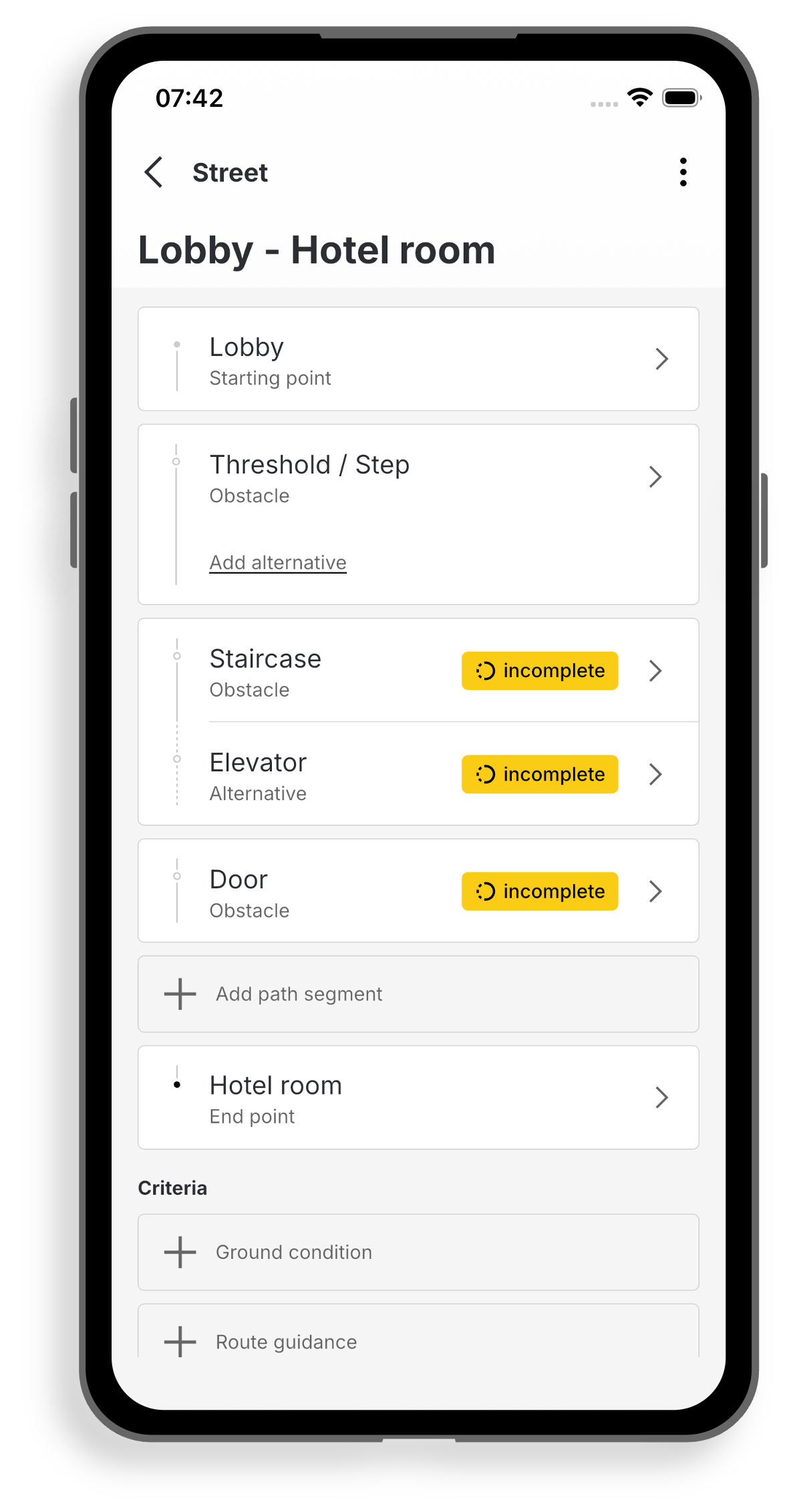
Recurring route elements, such as stairs or lifts, can be entered once and then reused for multiple routes.
First create a route and then add individual route sections according to the instructions in ‘Entering routes’.
If you want to use a single path element, such as a staircase, in another path, first click on the corresponding path and then on “Add path section”. If a path element has already been entered, the grey box “Element already entered?” will appear at the top. Click on ‘Link here’ and select the path element that has already been entered. Check whether this is the identical path element. Click on ‘Apply’.
If you change the properties of a path element, such as the width of a lift, these changes are automatically applied to the other paths linked to this path element.
Complete the mapping of the paths by either adding new path sections or linking existing path elements.
This function is available for entries from detail level 2 onwards. The detail level can be adjusted in the overview of an entry.
This function is particularly useful when entering buildings with several floors that can be reached via the same route elements, such as the same staircase.