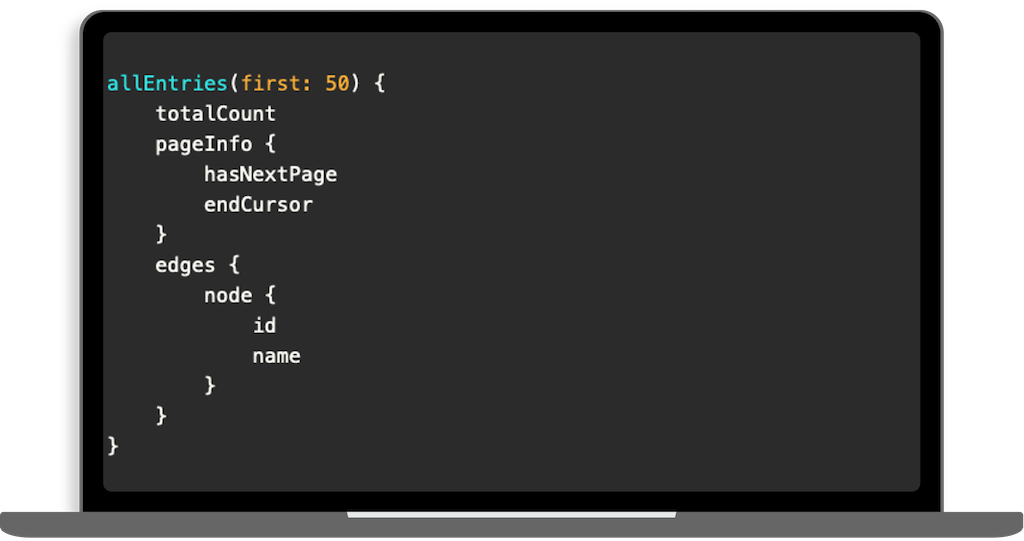
To make getting started easier, the Ginto support team has created a public Postman workspace containing a collection of various sample requests.
By clicking on this link, the Ginto request collection will be automatically cloned, and you can begin exploring the Ginto API.
To set the API key in Postman, open the production environment and create the variable apiKey with your actual API key. Then, activate the environment. You are now ready to send a request.
Postman can be used online or downloaded for free. You can find a detailed guide on creating GraphQL queries in Postman here.